Visitors on Campus
Free WiFi Access for Visitors
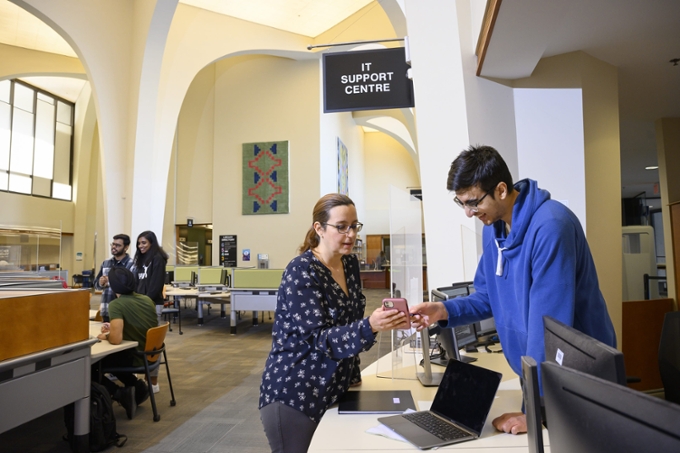
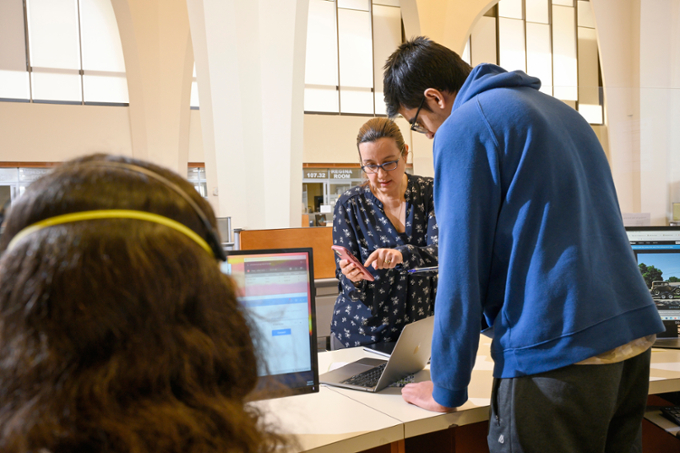
Information Services provides visitors with sponsored temporary guest accounts, printing, copying, and free WiFi. Visitors with an account can use eduroam, while those without can connect to uofrGuest.
WiFi Connection Information
Guest Accounts Information
Guest accounts provide temporary access to campus desktop computers, public labs, smart classrooms, and eduroam WiFi, and must be sponsored by a University of Regina employee. These accounts do not include university email, remote access, VPN, or network storage, and automatically expire after 1 day to a maximum of 3 weeks.
- Printing is available with the purchase of printing credit by following the instructions on guest printing.
- Visitors using a University network guest account must agree to and abide by the Use of Computer and Network Systems Policy.
- Permitted Sponsored Guest Accounts include, University visitors include conference and workshop attendees, guest lecturers, business partners, vendors and visiting scholars.
- Sponsored Guest Accounts are not for non-academic or non-business reasons, friends, or family members.
- Sponsored Guest Accounts can be created with a future activation date.
- A Sponsored Guest Account supported by a current employee is filled out at Sponsored Guest Account Setup Form (employees only).
- Your Sponsor authenticates with their personal uregina.ca account, then enter the requested details, and submit.
- Alternatively, an employee can contact the IS Service Desk to request a temporary Sponsored Guest Account.
- A description of the purpose for the account, the name and contact information of the sponsored guest.
- The guest account information will be released to the sponsor who will be responsible for the account(s), while they are active.
- The sponsor will securely provide the guest account information to the visitor(s) once they arrive on campus.
Archer Library Guest Accounts
- Campus Visitors can access
internet on Library Commons computers. - Library Guest accounts are not for a University email account or network storage.
- Library Visitors using a network guest account must agree to abide by the Use of Computer and Network Systems Policy.
If you are visitor to campus you may need a guest account to log in to library computers.
Visitors to the Archer Library may obtain a library guest account for logging into library computers at the IS Service Desk- If no one is available at the IS Service Desk the
Staff at the Library Help Desk may be able to assist you. - Visitors requesting a library guest account are asked to a provide name and contact information.
- Library Guest accounts are available on the spot during regular hours of operation of the IS Service Desk located in the Archer Library Commons.
- Guest accounts are temporary and
time limited . Please inquire, about the length of time for your temporary access.
Visitor Printing
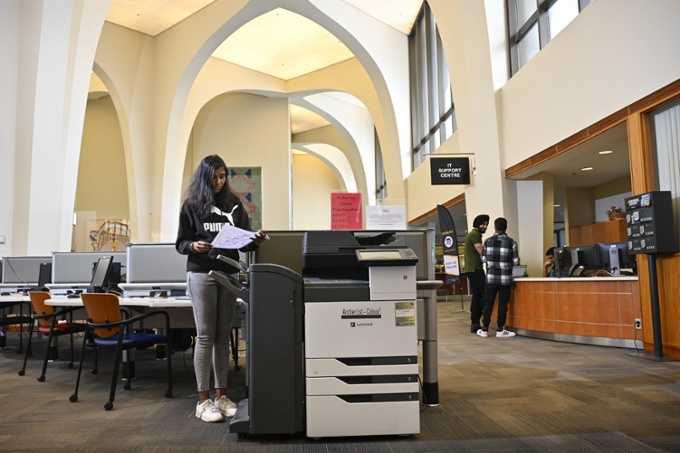
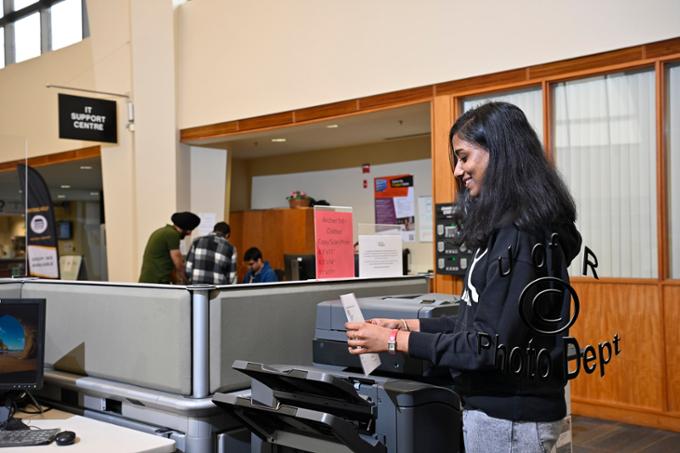
Guest Account Setup, Prepaid Card, and Printing with Papercut
Visitor Printing Info
Temporary Sponsored Guest Account
- A Temporary Sponsored Guest Account that begins with 'urguest' is required to log in to campus public lab computers.
- Sponsored Guest Accounts are available to employee‑sponsored campus visitors, providing temporary access to the university network, public lab and classroom computers, and eduroam Wi‑Fi.
- If you do not have a urguest account, you can request one from a University of Regina employee, such as staff at the Archer Library IS Service Desk or the Help Desk.
Papercut Visitor Printing Account
- A Papercut Visitor Printing Account that beginning with UR-, with available credit, is required to print or copy.
- If you do not have a UR- Visitor Printing Account, you can create one when you redeem your card.
You can purchase a prepaid Print Card online from the Marketplace Storefront (credit cards only) and pick it up at the Library IS Service Desk in the Archer Library.
- Print Cards can also be purchased in person at Printing Services, Administration and Humanities Building, Room 118.
- Prepaid Print Cards are sold in $5 or $10 increments.
- See, Printing, copying, and scanning costs.
- Log in to a lab computer with your temporary 'urguest' guest account with your username and password.
- Go to https://papercut.uregina.ca/user
- Log in with existing UR- visitor printing account username and password.
- Once logged in, click Redeem Card.
- Enter the Card Number.
- Click the Redeem button.
- Credit is now available for your printing, scanning, and copying.
- Printers are located in the Dr John Archer Library commons, as well as other public labs on campus.
- Log in to the lab computer with your 'urguest' temporary guest account username and password.
- Print as required: when prompted for credentials for Papercut, enter your UR- visitor printing account username and password that you used to redeem your card.
- The charges will be deducted from your available credit.
- Copiers are located in the Dr. John Archer Library commons area.
- Log in to the copier with your UR- visitor printing credentials used to redeem your card.
- Make copies, or scan to email, as required following the prompts on the screen.
- The charges will be deducted from your available credit.
Printing Services is located in the Administration-Humanities Building, Room 118.
- They offer a variety of printing services, including large format printing, bulk copying, thesis binding
and design services. - Printing Services: For general inquiries, call 306-585-4488 or email printing.services@uregina.ca